One System. Every Operation.Complete Business Control.
Parchii ERP is a complete business management platform that connects purchasing, inventory, sales, manufacturing, accounting and human resources in one real-time system.
Why a BusinessNeeds ERP.
Without ERP, businesses often struggle with disconnected departments, inaccurate inventory, delayed accounting and limited operational visibility.
Without a connected system
- Inventory quantities become difficult to trust
- Purchase, sales and finance teams maintain separate records
- Manual processes increase errors and delays
- Customer payments and supplier dues are hard to track
- Business owners lack real-time operational visibility
- Reporting becomes slow and inconsistent
ERP removes departmental silos and gives management one version of the truth.
Connected Workflow
Purchasing, inventory, sales, finance, manufacturing and HR work together in one connected system.
Automatic Posting
Transactions automatically update inventory and accounting without duplicate manual entry.
Management Visibility
Management can monitor dashboards, approvals, stock, cash flow and performance instantly.
Core Business Flow.One Continuous Workflow.
Parchii ERP connects all departments through one continuous business workflow, ensuring operational accuracy, automation and real-time visibility.
- 1
- 2
- 3
- 4
- 5
- 6

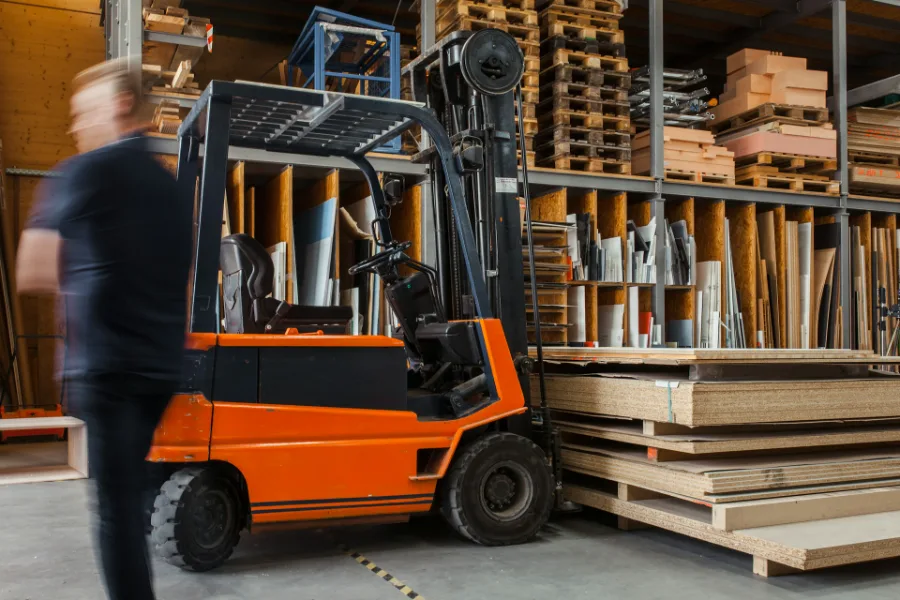

Trading. Manufacturing.Services. Contracting.
The same core — purchasing, inventory, sales, accounting and people — with the modules each operation actually needs.
Trading & Distribution
Manage suppliers, stock movement, warehouse operations and customer orders across multiple locations.
Manufacturing
Control production planning, raw materials, work orders, costing and finished goods efficiently.
Services
Manage projects, workforce, expenses, billing and operational activities from one centralized platform.
Contracting
Track project procurement, site material movement, subcontractor billing and job-level profitability.
Purchase Process.
The purchase process is triggered when any department requires products, raw materials or services from an external supplier.
Purchase Request
Departments raise requests for materials, products or services.
RFQ / PO
Request supplier quotations and generate approved purchase orders.
Goods Received
Receive and verify materials with automatic inventory updates through GRN.
Supplier Invoice
Match supplier invoices with purchase orders and received quantities.
Payment
Process supplier payments with due tracking and accounting integration.
Vendors, Quotes,Approvals, Payments.
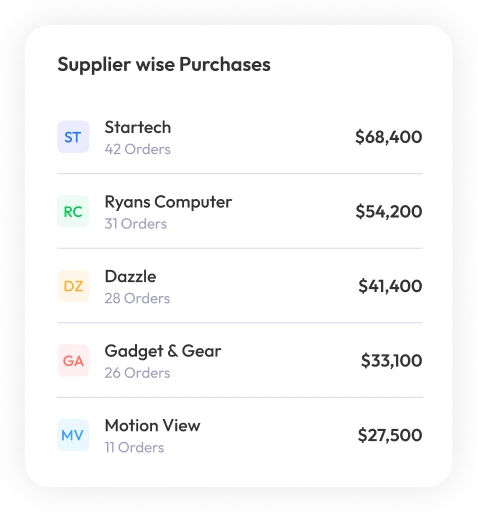
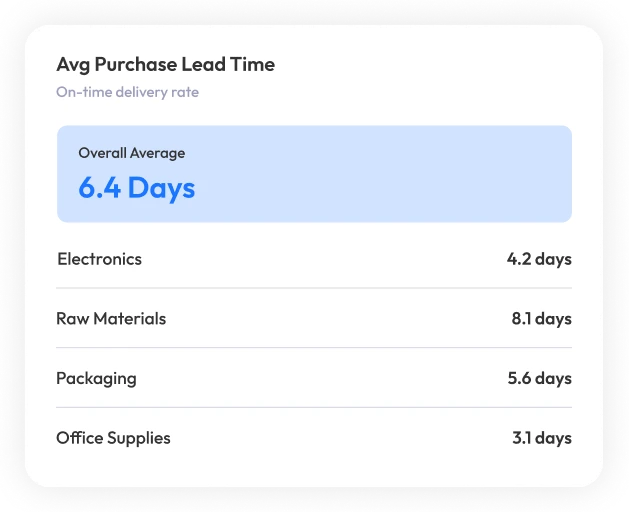
Manage vendor details, pricing and performance in one system. Track approvals, certifications and compliance easily.
- Vendor ManagementManage vendor details, pricing and performance with supplier compliance tracking.
- RFQ & QuotationSend RFQs, compare quotations and convert approved quotes into purchase orders.
- Purchase ApprovalSet approval workflows and track approvals with complete audit history in real time.
- Vendor PaymentsManage payment terms, due schedules and track pending vendor payments with automated reminders.
Inventory.
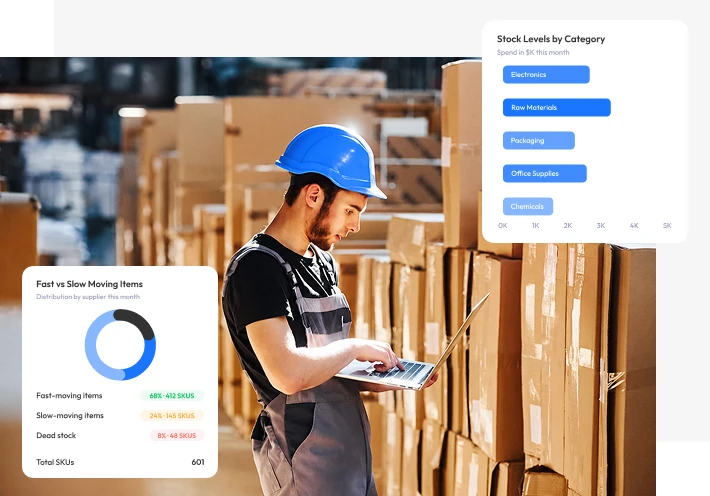
The Inventory module provides real-time visibility and control over stock across all locations. It handles stock valuation, multi-warehouse management, lot & serial tracking, and automated replenishment.
- Real-Time Stock VisibilityMonitor inventory levels across multiple warehouses and locations instantly.
- Multi-Warehouse ManagementTrack stock transfers, warehouse balances and location-based inventory movement.
- Lot & Serial TrackingMaintain product traceability with batch numbers, serial tracking and expiry management.
- Automated ReplenishmentGenerate purchase requests automatically when stock reaches reorder levels.
- Inventory Adjustments & ScrapManage damaged stock, adjustments and inventory approvals with accounting integration.
Manufacturing.
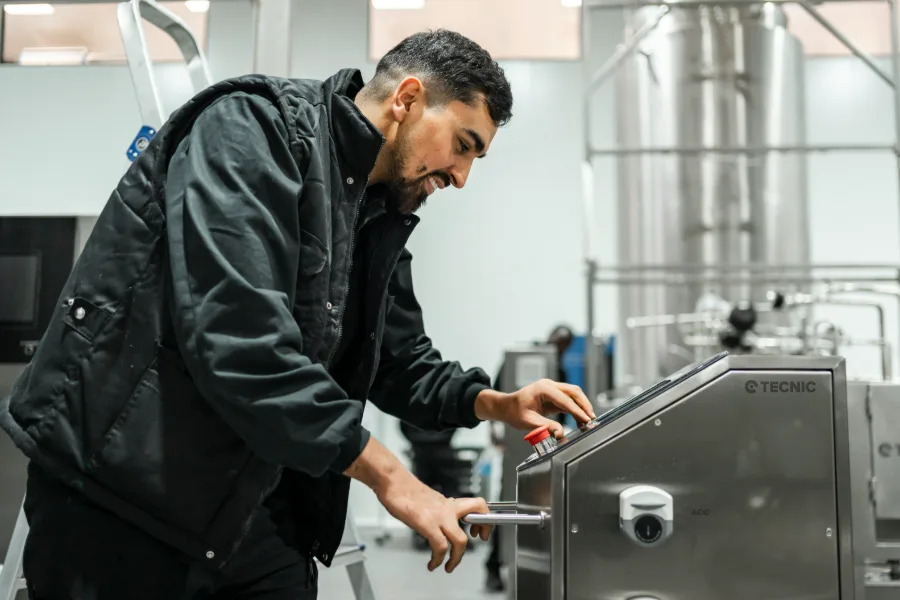
The Manufacturing module manages the complete production lifecycle from planning and work order execution through to finished goods and quality control. It is tightly integrated with Inventory, Purchase and Accounting.
Bill of Materials
Manage raw materials, sub-assemblies and product costing with multi-level BoMs for complex manufacturing structures.
Work Orders
Create production orders, track material usage and monitor production status in real time across all work centres.
Routing & Work Centres
Define production steps, machines and work centres with capacity planning and time scheduling.
MRP Planning
Plan material requirements, purchase requests and manage production schedules automatically.
Quality Control
Manage quality checks, track pass or fail results and handle corrective actions efficiently.
Production Analytics
Monitor production efficiency, material consumption and cost per unit with real-time manufacturing dashboards.
Sales Process.
The sales process begins when a customer enquires about purchasing products or services from your company.
Sales Quotation
Create and send a price offer to the customer.
Sales Order
Confirm the order and reserve stock.
Delivery
Pick, pack and ship products to the customer.
Sales Invoice
Generate invoices for delivered products.
Customer Payment
Receive payments and track collections.
Enquiry to Cash,in One Workflow.
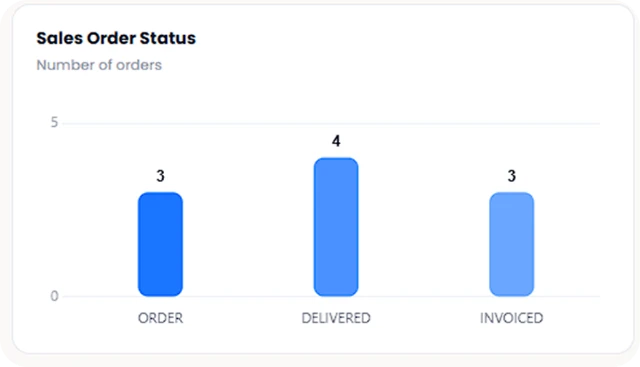
Manage customer enquiries, orders, delivery, invoicing and payments in one connected sales workflow.
- CRMManage customer records, payment terms, leads and follow-ups in one place.
- Price Lists & PromotionsCreate pricing, discounts and promotions for customers with multi-currency support.
- Sales Team ManagementAssign territories and customers, and track team performance, targets and activities.
- Returns & Credit NotesProcess returns and issue credit notes with automatic inventory and account updates.
Accounting & Finance.
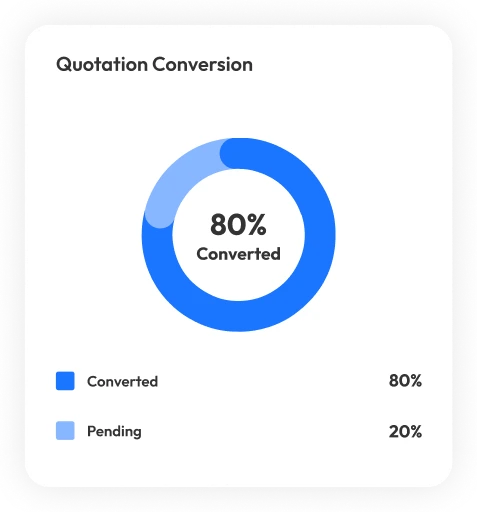
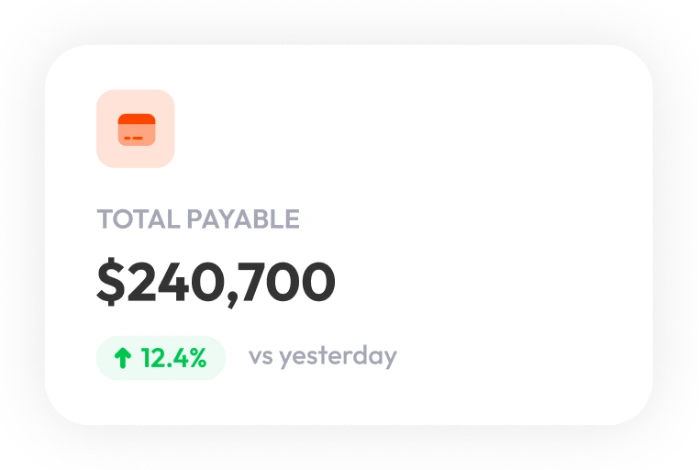
Parchii ERP provides real-time accounting automation that connects all business transactions with financial operations for accurate reporting and stronger financial control.
- Chart of AccountsManage account groups, multi-company setup and multi-currency financial structures.
- Accounts ReceivableTrack customer invoices, payments, ageing reports and automated payment reminders easily.
- Accounts PayableManage supplier invoices, payment schedules and vendor ageing with payment approvals.
- Bank ReconciliationImport bank statements, auto-match transactions and track unreconciled entries quickly.
- Tax ConfigurationManage VAT, GST and tax rules with automated reports and e-invoicing support.
- Opening BalancesImport opening balances, stock values and AR/AP data before system go-live verification.
Real-time accounting helps businesses track transactions, monitor cash flow and improve financial control.

Returns & Credit Notes.
Manage returns and credit notes with automated inventory, supplier adjustments and real-time accounting updates for accurate return processing.

- Sales ReturnsWhen a customer returns goods, a Return Merchandise Authorization (RMA) is created in Parchii ERP.
- Purchase ReturnsWhen goods need to be returned to a supplier due to damage, wrong items or quality failure.
We stay with you from go-live to growth.
ERP training helps employees understand how to use the system efficiently for daily business operations. It improves user adoption, reduces errors, increases productivity and ensures smooth workflow management across departments.
Role-Based Training
01Customized training sessions for each user role to ensure smooth onboarding and faster adoption across departments.
Go-Live Assistance
02Dedicated support team available during deployment with real-time issue tracking and quick resolution support.
Continuous Support & Updates
03Ongoing helpdesk support, system updates, feature improvements and customer success for long-term efficiency.
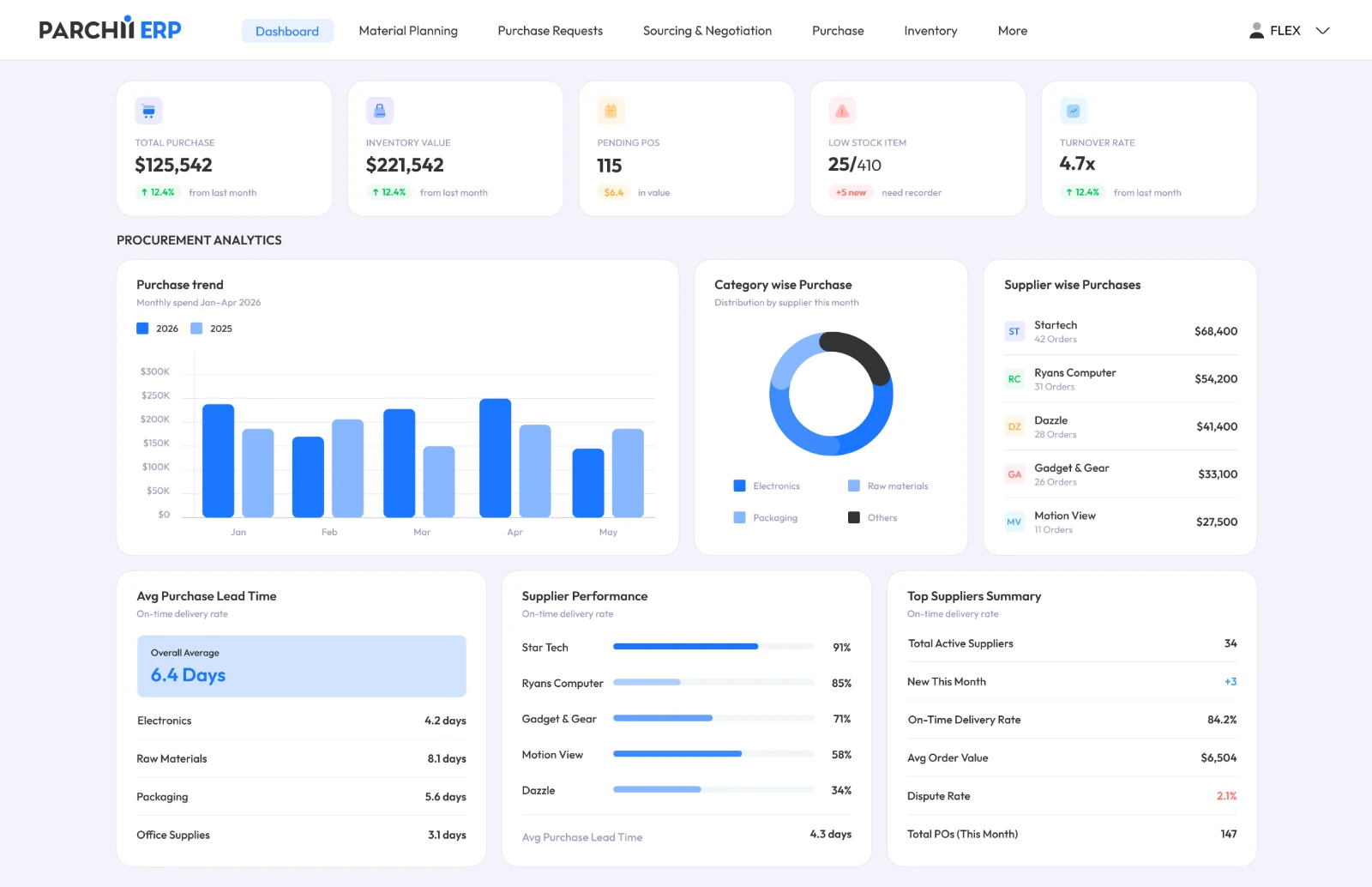
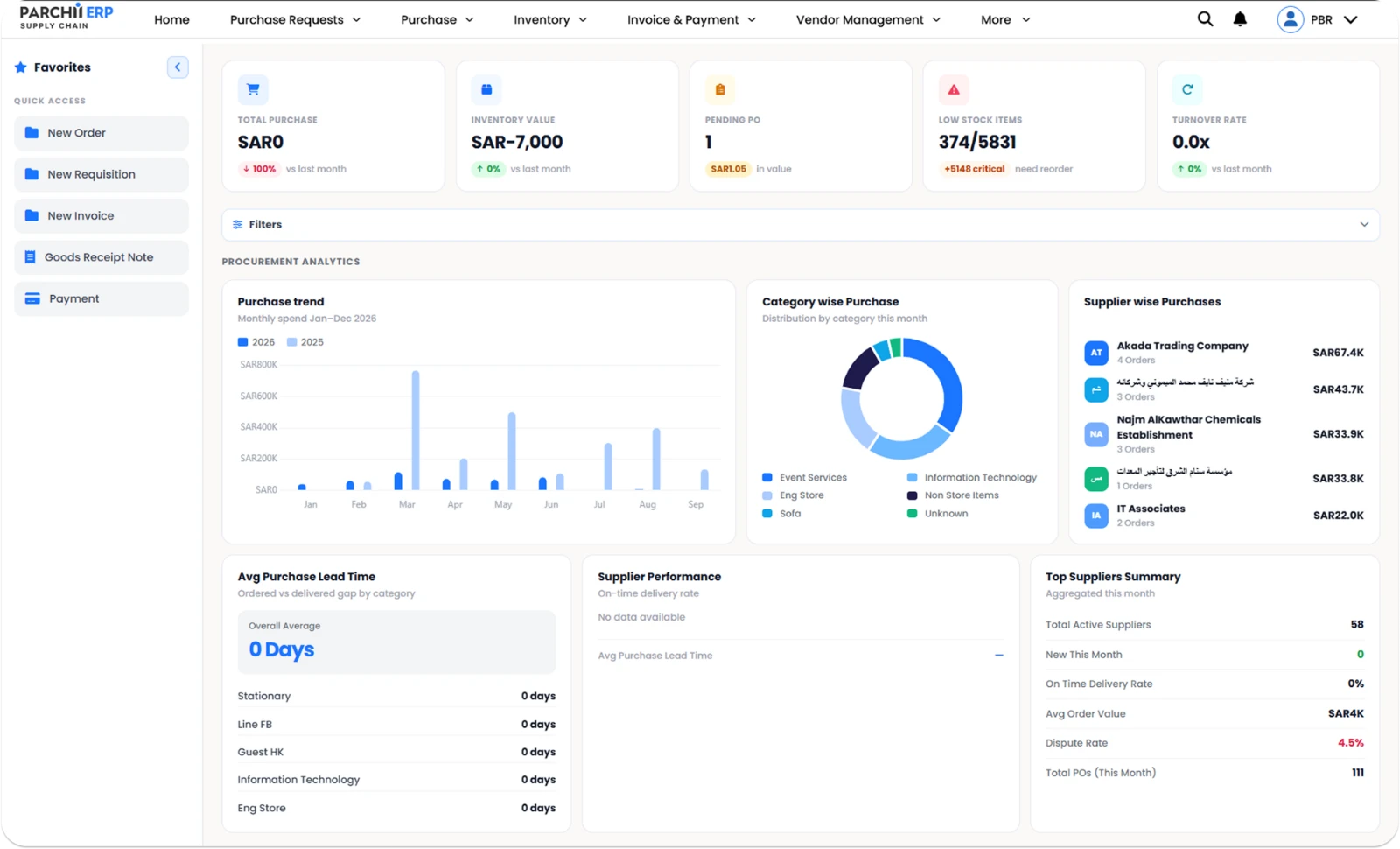
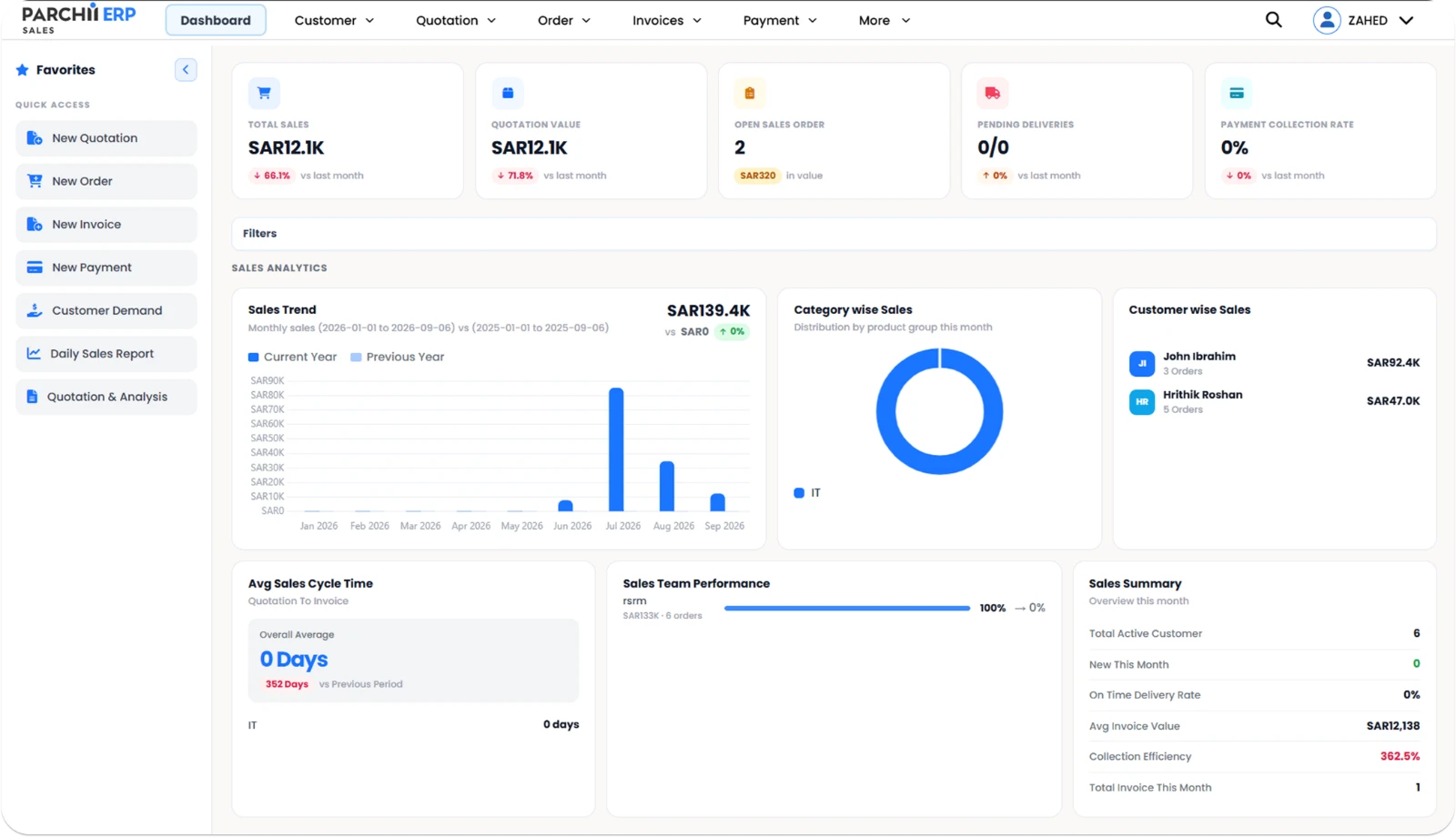
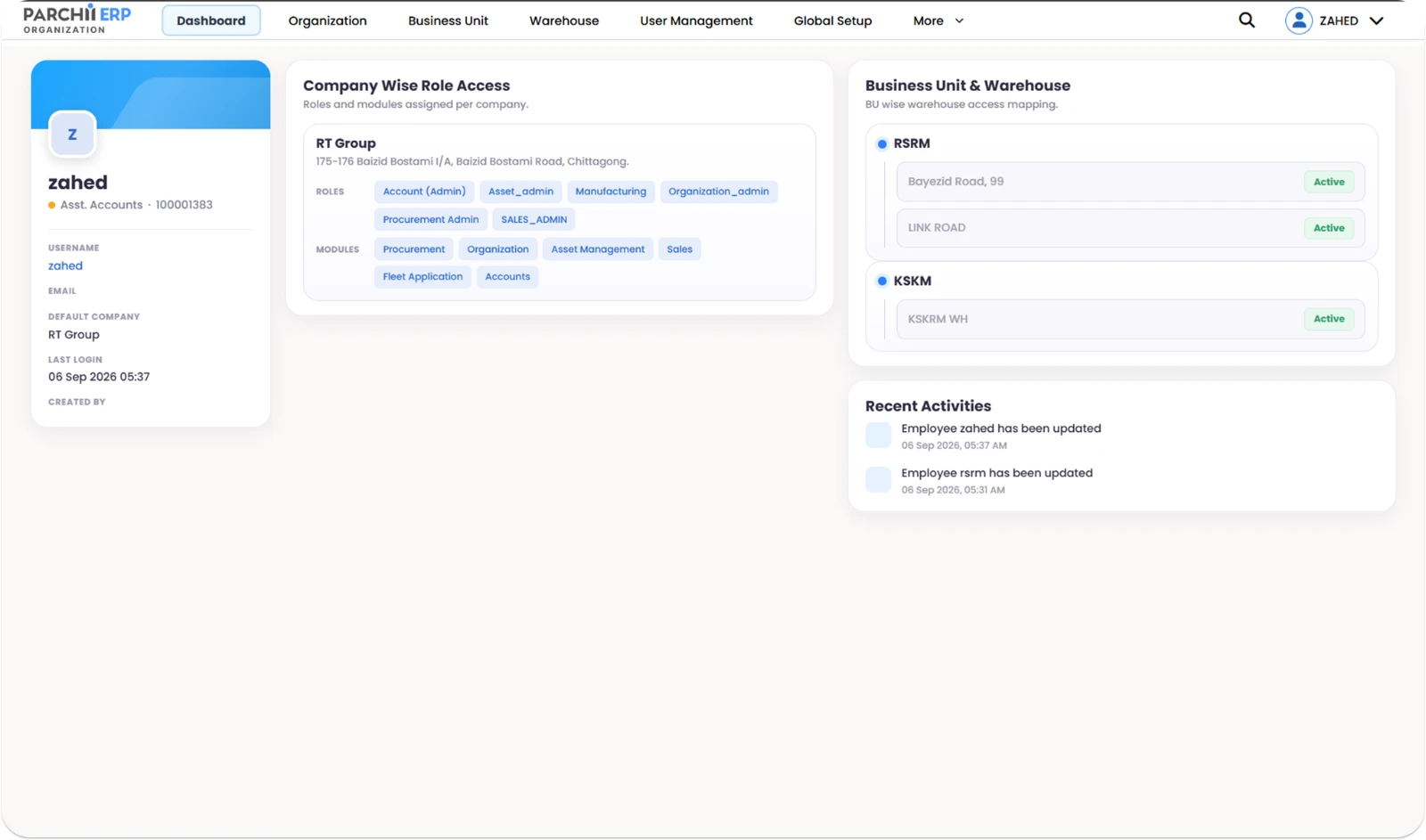
The Dashboard YourBusiness Deserves.
Everything you need to run your company — in one screen.
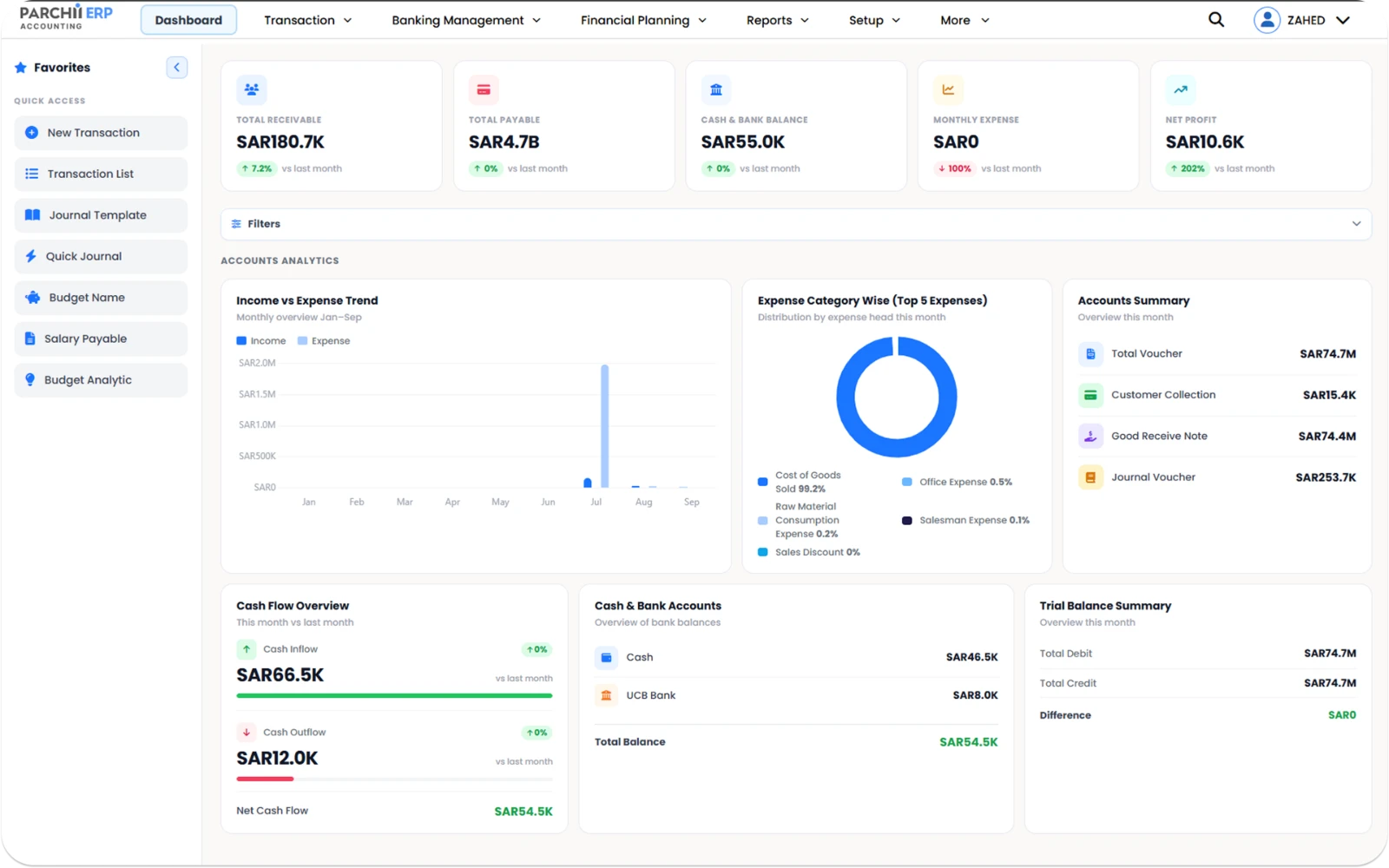
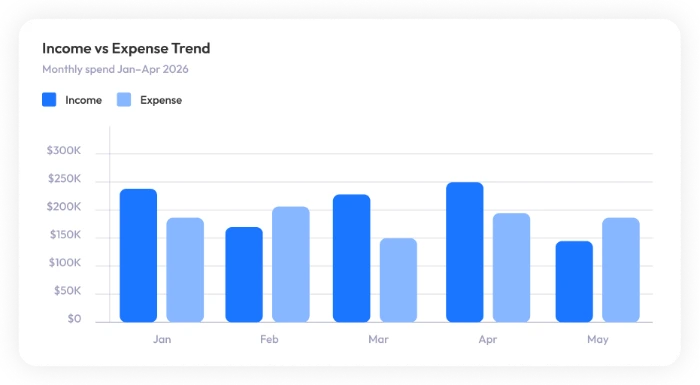
Accounting — receivables, payables, cash position and a live trial balance.
Parchii ERP Questions
What the deck covers, answered directly.
Trading and distribution, manufacturing, services and contracting. Each uses the same core — purchasing, inventory, sales, accounting and HR — with the modules relevant to that operation.
Without ERP, purchase, sales and finance teams maintain separate records, inventory quantities become hard to trust, and reporting is slow and inconsistent. Parchii ERP removes those silos so transactions post once and every department reads the same data.
Yes. Goods receipt updates stock through a GRN, sales orders reserve stock, and deliveries reduce it — with accounting entries posted at the same time, without duplicate manual entry.
Yes. The inventory module covers multi-warehouse balances and transfers, lot and serial tracking with expiry management, automated replenishment at reorder level, and adjustments or scrap with accounting integration.
Yes. Tax configuration manages VAT, GST and tax rules with automated reports and e-invoicing support, alongside multi-company and multi-currency chart of accounts.
Opening balances, stock values and AR/AP data are imported and verified before go-live. A dedicated support team is available during deployment with real-time issue tracking, and role-based training is delivered per department.